Syncwork
Active CommercialFolder sync app for Mac: compare two folders, see every copy, overwrite and delete before it happens, then sync.
$14 2026 - now
- Rust
- Tauri 2
- SvelteKit
- Svelte 5
- TypeScript
- Tailwind CSS 4
- Vite
- Vitest
- pnpm
Syncwork is a folder sync app for the Mac. It compares two folders, such as your Mac and an external drive, a NAS or a cloud app's folder, and shows exactly what a sync will do before it does it.
The problem#
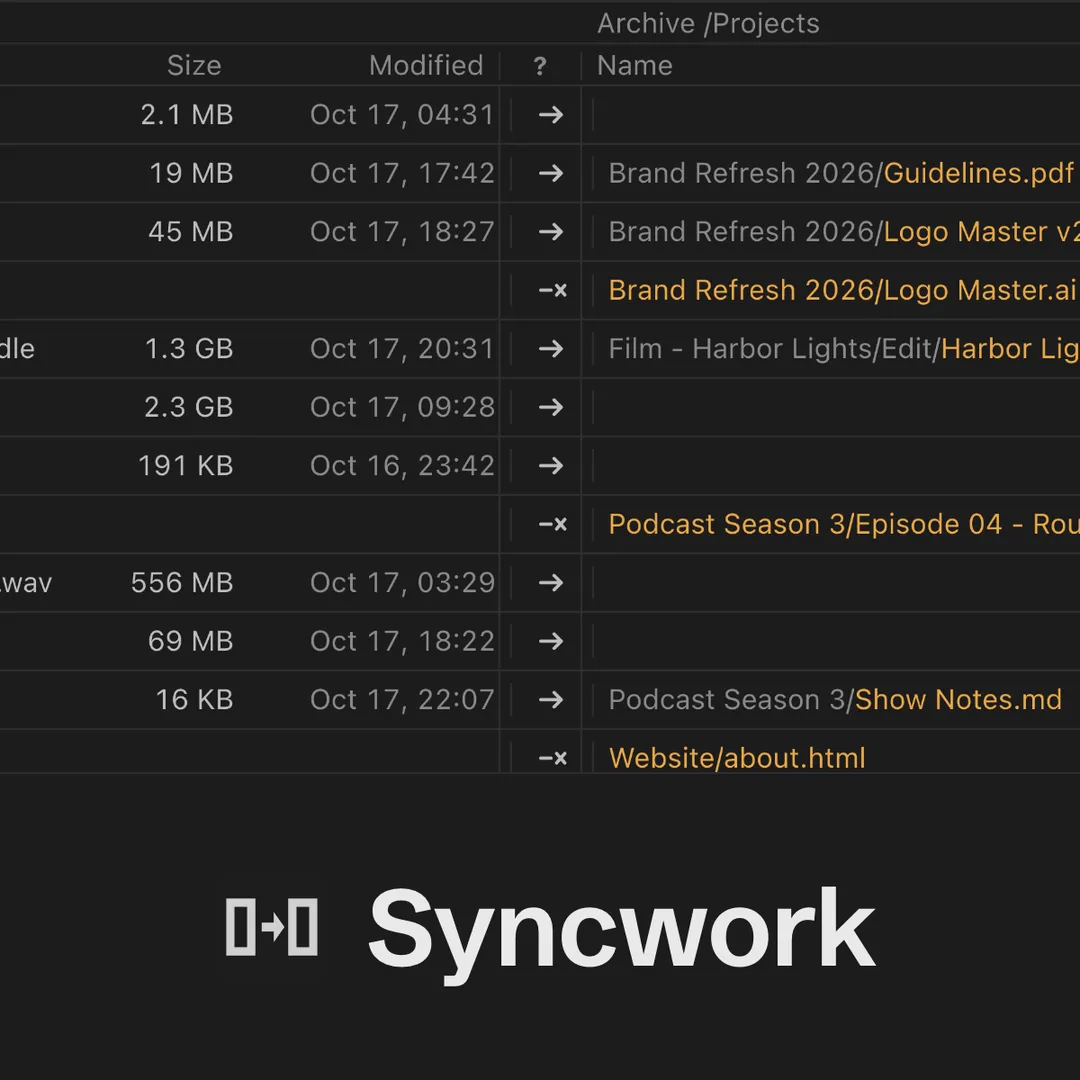
Most sync tools either hide what they are about to delete or bury it under crowded toolbars. Syncwork takes the proven model of FreeFileSync and rebuilds it as a native-feeling Mac app, where every copy, overwrite and delete is listed, counted and stated in a plain sentence above the Sync button. Nothing is touched until you press Sync.
Features#
- Side-by-side compare grid, grouped by folder, with per-file and per-group overrides
- Mirror, Update and Two-way sync; Two-way carries renames and deletions and never guesses on a conflict
- Deleted and overwritten files go to the Trash or a versioning folder by default
- Files are rechecked just before they are touched, and copies land only when complete
- Jobs run on file changes, at an interval or daily from the menu bar, with full run logs
- Include and exclude filters, .gitignore support and several folder pairs per job
- No telemetry, analytics or accounts
Requirements#
Macs with Apple silicon (M1 or later) running macOS 13 Ventura or later. Works with local disks, external drives, network shares and the folders that Google Drive, Dropbox, OneDrive, iCloud Drive and Proton Drive keep on your Mac, including online-only files.
The free version includes every feature for up to 3 jobs of 2 folder pairs each. A license unlocks more.
How it's built#
A Rust sync engine shared by the app and a command-line tool, wrapped in a Tauri 2 shell with a SvelteKit and Svelte 5 interface.